In this article
- 01 The Biggest Misconception
- 02 Why Screen-Free Learning Works Better
- 03 5 Screen-Free Activities to Teach Computational Thinking
- 04 1. The “Human Algorithm” Game
- 05 2. Classroom Treasure Hunt
- 06 3. Break the Problem (Decomposition Activity)
- 07 4. Pattern Hunt
- 08 5. Story Sequencing
- 09 Why This Matters More for Schools With Limited Technology
- 10 The Real Challenge: Structure, Not Technology
- 11 Final Thought
In many schools, one concern keeps coming up when computational thinking (CT) is introduced: “We don’t have enough computers.” This often leads to a wrong conclusion: “We can’t properly teach computational thinking.”
That assumption is incorrect. Computational thinking does not start with computers. It starts with how students think.
The Biggest Misconception
Computational thinking is often confused with coding, programming, and computer science. But in reality, it is a problem-solving approach, a way of structuring thinking, and a method for designing solutions.
You can teach computational thinking effectively without a single device. And in many cases, screen-free methods are actually better for foundational learning.
Why Screen-Free Learning Works Better
When screens are removed, students focus more, engage more, and think more. Instead of clicking and copying, they start solving, discussing, and experimenting.
- It Builds Thinking, Not Tool Dependency: When students learn without screens, they rely on logic, creating independent learners rather than tool-dependent users.
- It Reduces Distraction: Screen-free activities keep attention focused, encourage participation, and promote collaboration without visual overload.
- It Encourages Active Learning: Students move, speak, build, and test instead of passively watching and clicking.
- It Works in Any Classroom: No dependency on internet, hardware, or software makes CT accessible, scalable, and inclusive.
5 Screen-Free Activities to Teach Computational Thinking
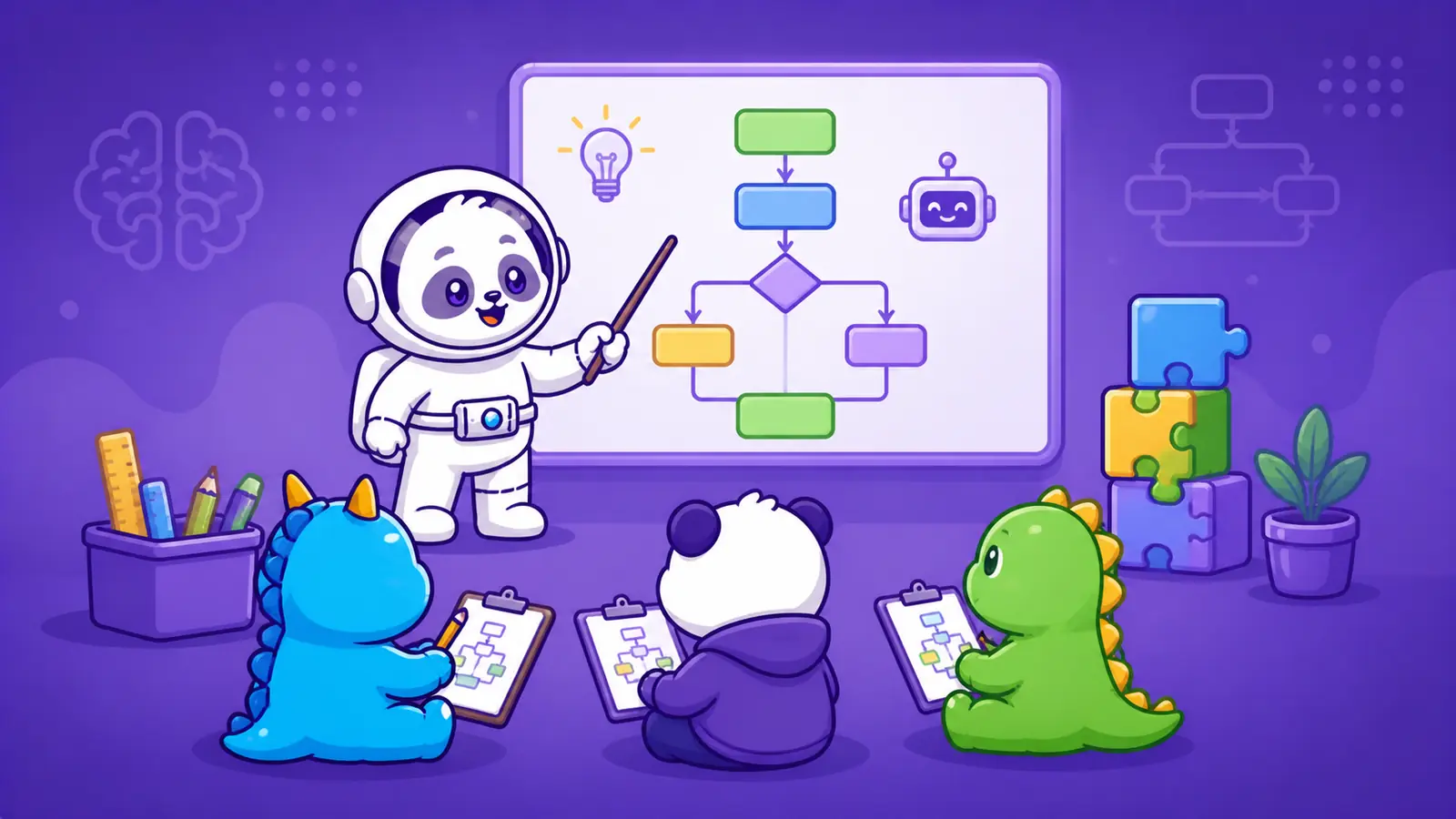
Screen-free CT uses physical activities and real-world scenarios to teach logic, patterns, algorithms, and problem-solving.
1. The “Human Algorithm” Game
Concept: Algorithm design How It Works: One student gives instructions (e.g., “Walk forward”, “Turn left”), another acts as a “robot.” Instructions must be precise. What Students Learn: Precision, sequencing, and logical clarity.
2. Classroom Treasure Hunt
Concept: Algorithms + debugging How It Works: Hide an object. Students create step-by-step directions. Another group follows them. Errors occur, and students must fix their instructions. What Students Learn: Trial and error, debugging, and iteration.
3. Break the Problem (Decomposition Activity)
Concept: Decomposition How It Works: Ask, “How do you plan a school event?” Students break it into Venue, Food, Invitations, Schedule. What Students Learn: Complex problems become manageable through structured thinking.
4. Pattern Hunt
Concept: Pattern recognition How It Works: Students find patterns in classroom objects, nature, or language, then create patterns to challenge peers. What Students Learn: Patterns simplify understanding, enabling prediction through logic.
5. Story Sequencing
Concept: Algorithm + abstraction How It Works: Give shuffled story cards. Students arrange them logically and summarize them in 3 steps. What Students Learn: Order matters; abstraction of information.
Why This Matters More for Schools With Limited Technology
Schools without strong infrastructure often feel disadvantaged. But in computational thinking, they have an advantage.
Without screens, schools naturally focus on thinking, not tools.
More discussion, collaboration, and engagement.
No technical issues, setup time, or distractions.
The Real Challenge: Structure, Not Technology
While screen-free activities are powerful, schools face a major issue: Lack of structure. Random activities with no progression lead to inconsistent learning.
This is where Codju becomes critical. Codju enables screen-free CT at scale through:
- 200+ Ready-to-Use Activities: Fully unplugged, classroom-friendly.
- Structured Curriculum: Progressive learning, grade-wise design.
- No Tech Dependency: Works in low-resource schools and traditional classrooms.
- Teacher-Friendly Implementation: Step-by-step guides and ready lesson plans.
Final Thought
Computational thinking is not about computers. It is about thinking. And thinking does not require devices, internet, or technology. It requires the right activities, structure, and approach.
Schools that understand this will realize: You don’t need computers to prepare students for the future. You need better ways to teach them how to think.
Explore a Complete Screen-Free CT System: 👉 Explore Computational Thinking
FAQ
Frequently Asked Questions
What is Computational Thinking and why is CBSE introducing it?
Computational Thinking (CT) is a set of problem-solving skills — decomposition, pattern recognition, abstraction, and algorithmic thinking — that mirror the logic behind modern AI systems. CBSE is introducing CT from Classes 3 to 8 as part of its alignment with NEP 2020 and NCF 2023, shifting from rote memorisation toward structured, logical reasoning and real-world problem solving.
Is Computational Thinking the same as coding?
No. Computational Thinking is not about writing code. It is a way of thinking — breaking down problems, finding patterns, and designing step-by-step solutions. Coding is one application of CT, but CT itself is a transferable skill that applies across mathematics, science, languages, and other subjects.
Which classes are affected by CBSE's new CT and AI curriculum?
The new curriculum covers Classes 3 to 8. For Classes 3–5 (Preparatory Stage), CT is embedded into subjects like Math, EVS, and Language through activity-based learning. For Classes 6–8 (Middle Stage), students are introduced to basic AI concepts, project-based learning, and interdisciplinary CT applications.
What do schools need to do to implement the CBSE CT curriculum in 2026?
Schools must: (1) embed CT across subjects rather than treating it as a standalone period, (2) invest in teacher training through CBSE workshops and certified programs, (3) shift to activity-based classrooms, (4) redesign assessment toward competency-based evaluation, and (5) use structured resources like DIKSHA and purpose-built CT frameworks. Codju's CT curriculum provides a plug-and-play implementation layer for schools.
How does Codju support CBSE's Computational Thinking curriculum?
Codju provides a structured CT curriculum with 200+ ready-to-use activities, all aligned with CBSE's expectations and the NCF 2023 framework. The system is teacher-friendly, activity-first, and designed for real Indian classrooms — removing the biggest barrier for schools: knowing how to actually start.
Is the new CBSE CT curriculum mandatory for all schools?
Yes. CBSE has made Computational Thinking and AI a core part of the curriculum for Classes 3 to 8. It is not an optional add-on. Schools are expected to integrate CT into everyday teaching and move toward competency-based assessment, with 50% of questions targeting applied reasoning rather than memorisation.
Continue Reading
All Computational Thinking articles →
How Schools Can Teach AI Without Teaching Programming
Learn how schools can teach AI without programming through Computational Thinking, data, patterns, logic, ethics and no-code activities for primary and middle school students.

CBSE Computational Thinking Classes 3–8: What Students Learn at Each Stage
Understand the CBSE Computational Thinking and AI curriculum for Classes 3–8 in 2026–27, including class-wise CT skills, AI concepts, activities, projects, assessment and learning outcomes.
What Is Computational Thinking? Complete Guide for Students & Schools
What is Computational Thinking? Learn the four pillars, real-world examples, CT vs coding, classroom activities, AI connections, and how schools can teach computational thinking.
From Zero to Teaching Computational Thinking in 7 Days: A Practical Guide
A 7-day, classroom-ready plan for teachers to go from zero structure to active Computational Thinking implementation.
Codju for Schools