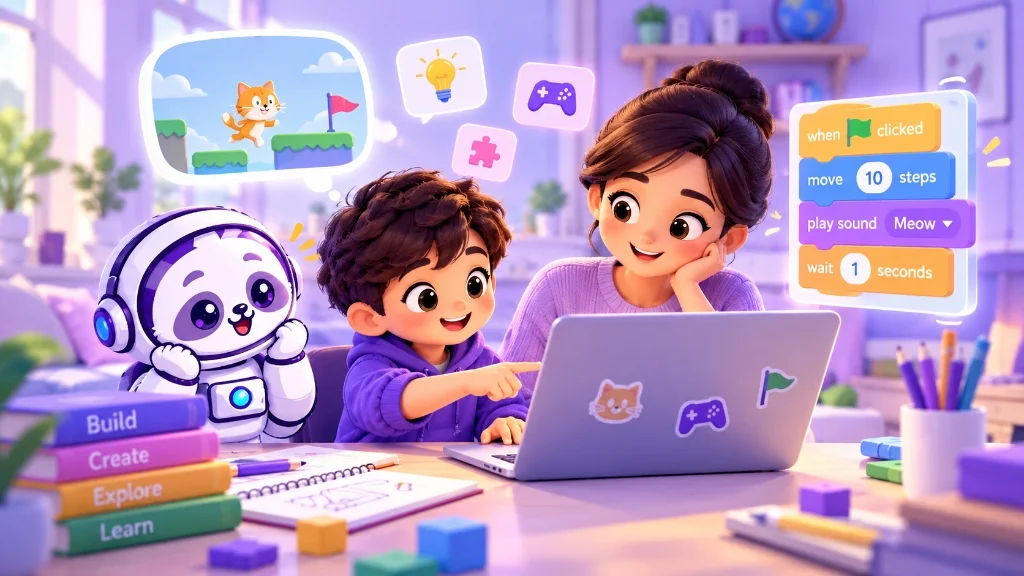
In this article
Parents often approach coding with a worry that their child is already late. The child may be eight or ten and have no idea what code looks like. Meanwhile, every second course seems to promise a head start for the future.
That is not how I would make the decision. You are not choosing the child’s career. For now, you only need to find out whether they enjoy making something with code.
Begin with what the child does when nobody is directing them. The details at home may be different, but the pattern is usually familiar:
- A half-hour spent getting a train track to join correctly
- New rules invented for a familiar board game
- Yet another story built around the same set of toys
Coding simply gives these natural instincts somewhere constructive to go.
- High Math Marks: Coding is logic and structure, not advanced arithmetic.
- Fast Phone Scrolling: Consuming apps is completely different from wanting to build one.
- Following Instructions Perfectly: Copying steps doesn't indicate genuine problem-solving joy.
- Tinkering Curiosity: Enjoys changing a setting or rule and waiting to see the result.
- Building Instinct: Likes making things from scratch (blocks, crafts, puzzles, games).
- Patience with Puzzles: Willing to try a second time when a piece doesn't fit right away.
I would not use mathematics marks as an entry test. Nor would I read too much into a child being quick with a phone; using an app is quite different from wanting to build one. Instead, notice whether the child enjoys changing something and waiting to see the result.
If you cannot read the signals clearly, a child assessment tool may help you think through the child’s interests and preferred way of learning. I would use it as a starting prompt, not as an answer. A short trial will tell you more.
Watch the Child During the Trial
The first class does not need to produce an impressive game. A character moving across the screen is enough. Watch the child rather than the finished project.
Ask the child what they are trying to make. The explanation may be rough, which is fine. Then see whether the class leaves any room for a choice of character, movement or setting. Once the teacher stops giving instructions, does the child try anything without being asked?
Then something will go wrong. The character may move backwards or refuse to move at all. This is usually the most revealing part of the class.
Some frustration is normal. Look for a small willingness to stay with the problem. Perhaps the child checks the blocks again. Perhaps they ask for a clue and then make the change themselves. They do not need to solve it alone; the mistake just should not end their interest in the project.
The teacher has a part in this. If the instructor immediately takes the mouse and repairs every error, the project may look good, but the child has done little thinking. I prefer a teacher who gives one hint and then waits. The silence may feel awkward for a few seconds. It is also where the child gets a chance to find the problem.
On the way home, “Did you enjoy it?” usually gets a quick, unreflective “yes” or “no.” Ask about the work itself instead:
Reveals whether they had an internal mental model of their goal.
Normalizes bugs as part of the creative process rather than personal failure.
Tests whether the project sparks creative continuation beyond the classroom.
The answers need not be detailed. “I wanted the cat to jump higher” is useful. So is “I could not make the sound stop.” Both show that the child was thinking about the result, not merely copying the screen.
The more telling response may come later. If the child brings up the project at dinner or asks to open it again the next day, the idea has stayed with them after the novelty of the class has passed.
The First Course Need Not Sound Advanced
Parents sometimes prefer typed code because it appears more serious. For a young beginner, visual blocks and simple animation are almost always a better entry point. The child can see what each instruction changes immediately. There is plenty of time for typed languages later.
- Immediate visual feedback for every block connected
- Zero syntax errors or missing semicolons to discourage learners
- Teaches core logic: loops, conditionals, sequence, variables
- Ideal for Grades 2 to 7 to build pure intuition
- Requires typing speed, spelling accuracy, and syntax discipline
- Higher friction when debugging typo errors
- Best introduced once conceptual logic is already second nature
- Ideal for Middle & High School students ready for deeper mechanics
Even an older child needs a reason to write code. A small game, quiz or project connected to an existing interest will usually make more sense than copying commands from a screen.
Check how much freedom the class allows. If every child makes the exact same project in exactly the same way, it is difficult to know whether your child likes coding or is simply good at following directions. Even changing a background or a sprite’s speed can give a child genuine ownership of the work.
Class format matters, too. A child who disappears in a large batch of 25 students may speak freely in a group of four. Another may need quiet time between sessions to reopen the project and work at a slower, contemplative pace. I would not rule coding out after one uncomfortable class if the teaching style or batch size was clearly the problem.
Give the Decision a Little Time
A trial class can be unusually exciting simply because everything is new. If the child shows some interest, let them attend a few sessions before making a long-term commitment.
Do not judge those weeks only by the complexity of the project. Pay attention to subtle shifts in how they think:
- Maybe the child starts explaining a problem in smaller, manageable parts.
- Maybe they reopen something unfinished because a solution occurred to them later while having breakfast.
- Maybe they pause before reacting to an error and look at their instructions systematically.
These changes are easy to miss if we are waiting only for a certificate or a flashy commercial project.
There is no reason to push indefinitely. If every class turns into an exhausting negotiation, speak with the teacher. Try a project closer to the child's real passions or adjust the pace. If the resistance persists, pause the class without guilt and come back to it another time. Interests evolve rapidly as children grow.
After a few weeks, I would ask one simple question: does the child want to do a little more than the class requires?
They might change a sprite, go back to fix an old mistake, or show a family member what they made. That is enough. It does not predict an engineering career. It only tells you that coding is worth continuing for now.
Sumit Kapoor
Founder, LyfSkills · Connect on LinkedIn ↗
Sumit Kapoor is the Founder of LyfSkills, focusing on helping parents understand their children's natural learning styles, strengths, and cognitive interests. Explore the LyfSkills Child Assessment Tool & Planner to discover your child's learning tendencies.
FAQ
Frequently Asked Questions
How can parents tell if their child is ready for coding?
Look at what your child does when nobody directs them: spending time aligning toy train tracks, inventing new rules for board games, or creating elaborate stories. Coding provides a constructive outlet for these natural problem-solving and creative instincts.
Do children need good mathematics marks to learn coding?
No. Mathematics marks and being fast on a smartphone are not prerequisites for coding. What matters is whether a child enjoys tinkering, changing a variable or block, and waiting eagerly to see the result.
What should parents observe during a child's coding trial class?
Watch the child's reaction when something breaks or stops working. Look for a willingness to stay with the problem, recheck blocks, or ask for a clue. Also check whether the teacher allows independent problem-solving rather than instantly fixing mistakes for them.
Should young children learn text-based coding or block-based coding like Scratch?
For young beginners, visual block-based coding (like Scratch) is ideal because children can immediately see cause and effect without getting bogged down by syntax errors. Text-based languages can come naturally later once computational intuition is established.
How should parents evaluate coding classes after the initial trial?
Notice whether the child brings up the project afterwards, explains problems in smaller parts, or asks to open it again at home. If the child shows ongoing interest and wants to do a little more than required, continuing coding is well worth it.
Continue Reading
All Learning Methods articles →
How Schools Can Teach AI Without Teaching Programming
Learn how schools can teach AI without programming through Computational Thinking, data, patterns, logic, ethics and no-code activities for primary and middle school students.
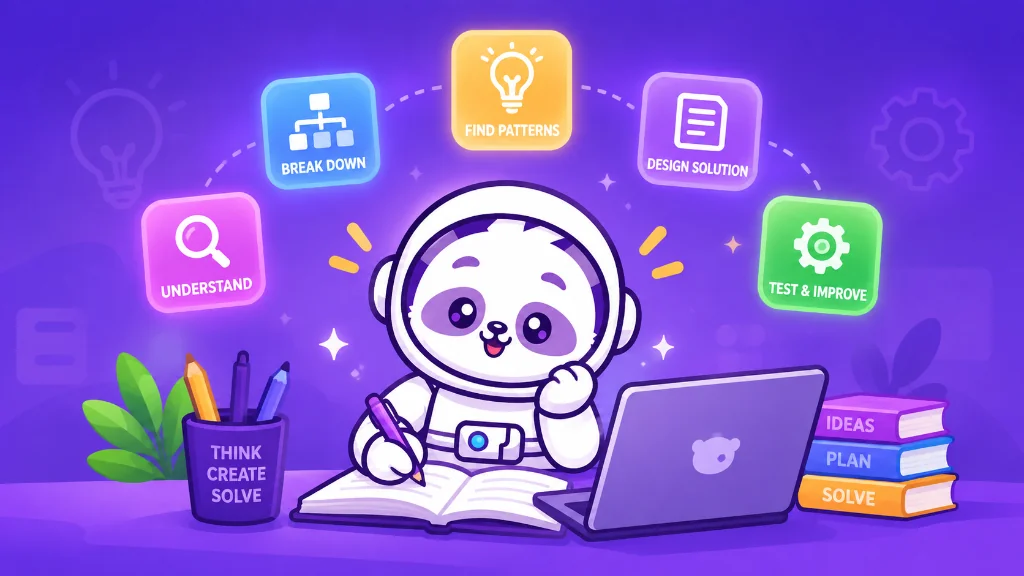
What Is Computational Thinking? Complete Guide for Students & Schools
What is Computational Thinking? Learn the four pillars, real-world examples, CT vs coding, classroom activities, AI connections, and how schools can teach computational thinking.
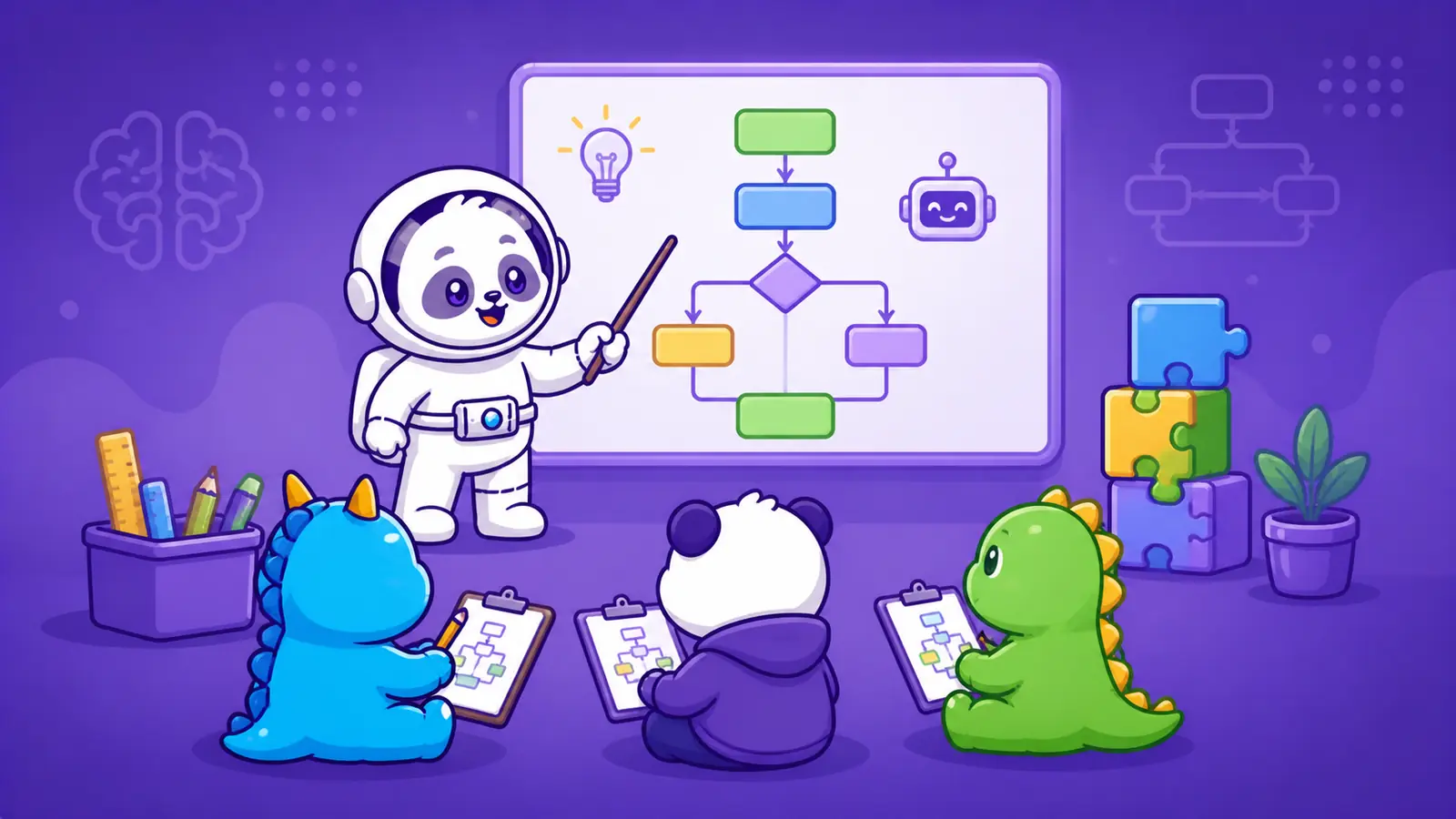
Screen-Free Learning: How to Teach Computational Thinking Without Computers
Computational thinking starts with how students think, not computers. Learn 5 unplugged activities to build foundational logic.
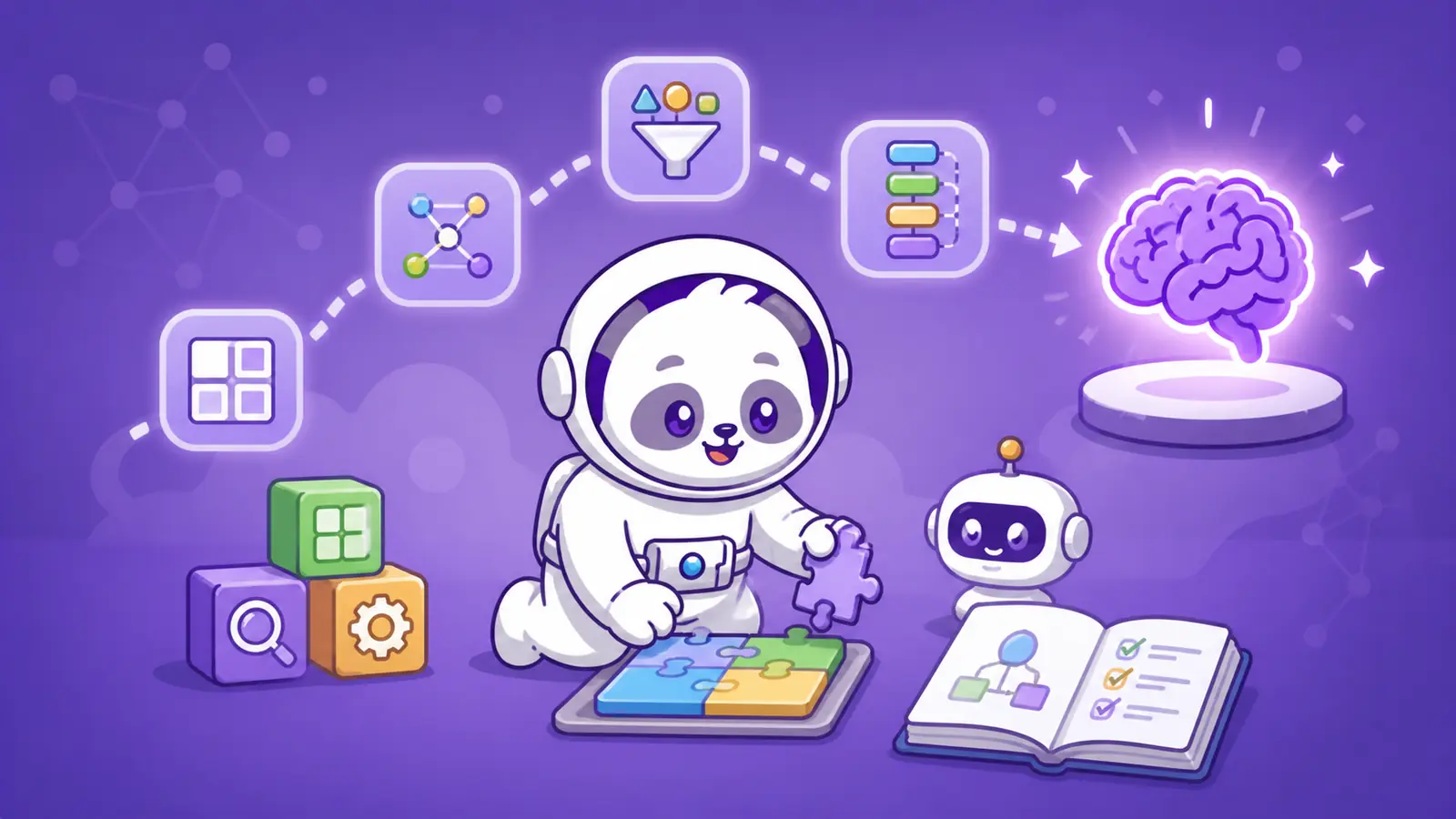
Why Computational Thinking Matters More Than Coding in School Education
Coding is not the real skill. Thinking is. Discover why computational thinking is the foundation that actually matters for future-ready education.
Codju for Schools